Collect feedback from the Slack channels where it is written, by your customers or by the people who talk to them. About five minutes.
Before you start
You need permission to add apps to the Slack workspace. If you do not have it, ask a workspace admin to do this step. If Slack only lets you request approval, select Slack again after the admin approves it.
Open the screen
On Sources, select Add a source under the topic.
Select the Slack tile.
Allow access
Select Connect in the dialog. Slack's permission page opens in its own window.
Check that the right workspace is shown at the top right of Slack's page. To change it, select it there. Then select Allow.
Choose the channels
Select each channel to collect from. Prefer channels where people write in their own words, not channels of reports or summaries. Channels you chose for another topic on this workspace are already selected: deselect any that do not belong here.
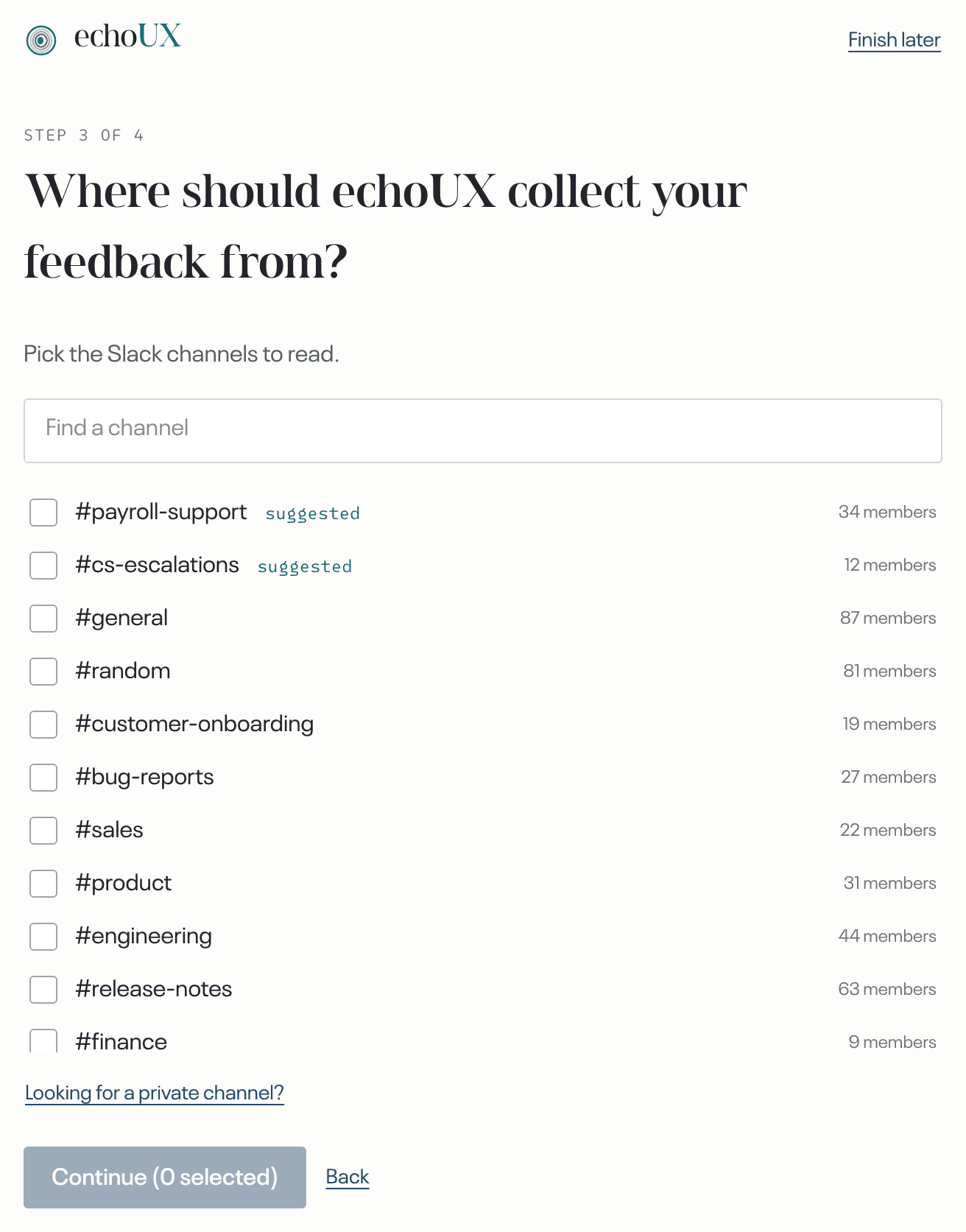
/invite @echoUX. Back on the channel list, select Looking for a private channel?, then refresh the list.Select Continue.
Connecting Slack is complete when
- the Slack tile shows Connected with the channel names;
- on Sources, the topic lists Slack with those channels.
What happens next
Collection starts at once, and a new message reaches echoUX within about fifteen minutes. Messages posted before you connected are not collected. To include them, import them from a file.